We are thrilled to announce the release of avSign.lite v2.1.0, featuring a major new capability designed specifically for healthcare providers, aesthetic clinics, and service professionals: Consultation Mode.
Why Consultation Mode?
Digital signage in waiting rooms is great for general information, but what happens when you need to have a specific conversation with a patient or client? Previously, you might refer to a separate tablet or brochure.
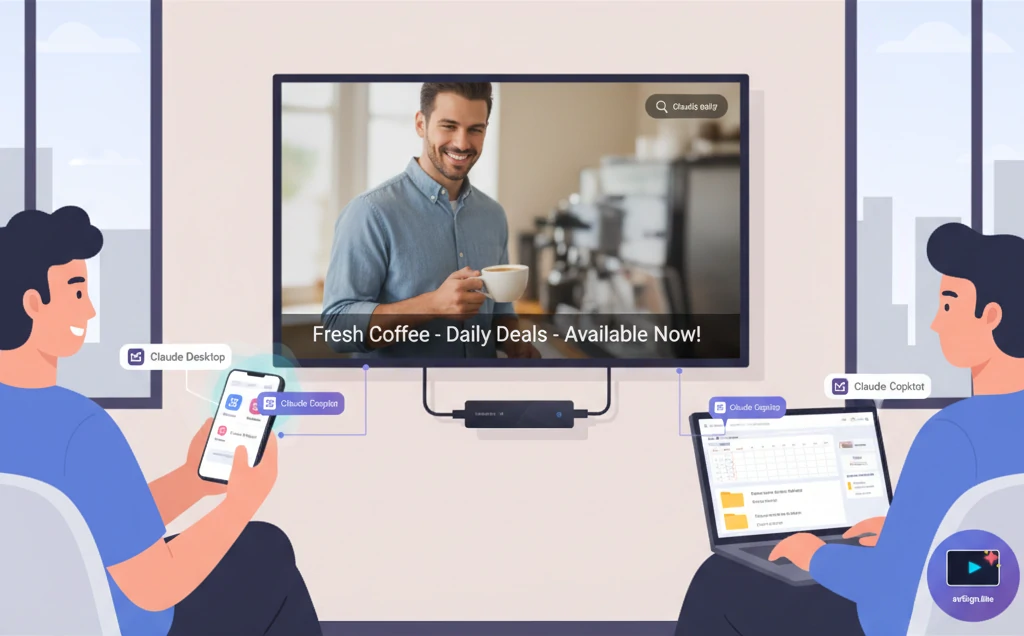
With Consultation Mode, your lobby TV transforms from a passive information display into an interactive consultation tool.
Key Features
1. Interactive Split-Screen Comparisons
Instantly display “Before” and “After” images or videos side-by-side on the big screen. This is perfect for:
- Plastic Surgery & Aesthetics: Showcasing procedure results.
- Dentistry: displaying teeth whitening or orthodontics progress.
- Interior Design: comparing renovation results.
2. Tablet Remote Control
Staff can control the main display using a tablet or mobile phone. No need to touch the TV remotes. smoothly switch between:
- General Lobby Loop (Digital Signage Mode)
- Specific Case Studies
- Educational Videos
- Before/After Galleries
3. Zero Audio Bleed
One of the biggest challenges with mixed-use displays is audio management. If your lobby loop plays background music, you don’t want it clashing with an educational video you just triggered.
v2.1.0 introduces Zero Audio Bleed technology. The moment you activate Consultation Mode, background audio is intelligently muted, ensuring your conversation remains focused and professional.
4. Privacy & Professionalism
When the consultation ends, a single tap returns the screen to your standard branded signage loop, ensuring patient privacy and maintaining a professional atmosphere in your office.
How to Get It
avSign.lite v2.1.0 is available now as a free update for all users.
What’s Next?
We are continuing to refine our multi-screen capabilities and look forward to sharing more updates in our upcoming Phase 2 roadmap.
Stay tuned for more updates!