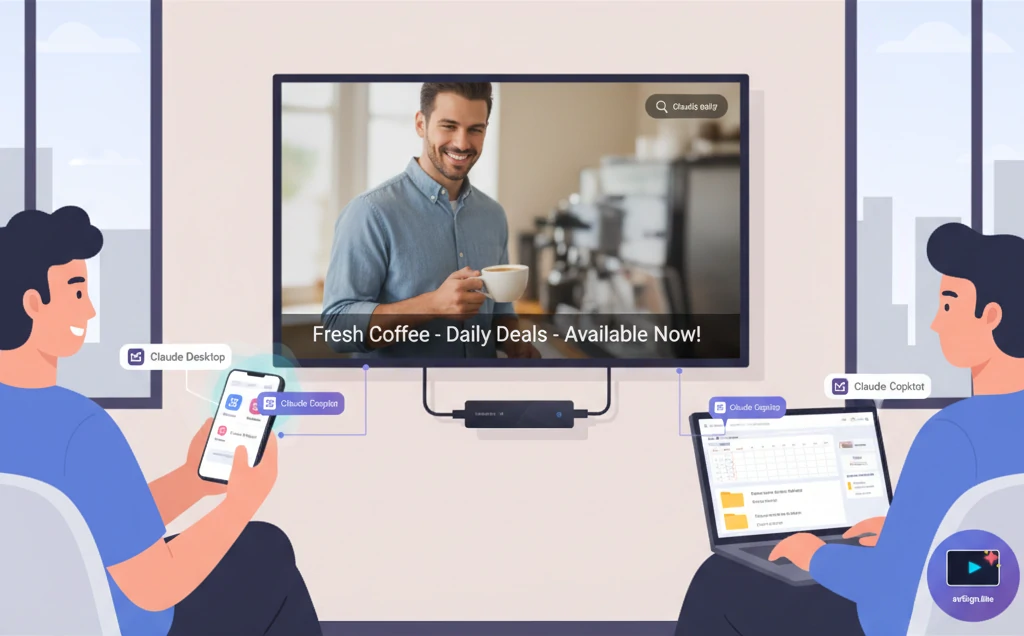
Imagine walking into your office and saying to your AI assistant: “Play the product demo video on all lobby displays right now” – and it just happens. No clicking through menus, no navigation, no confusion. Just instant results.
That’s the power of AI-controlled digital signage, and today we’re excited to announce MCP (Model Context Protocol) integration in avSign.lite.
The Problem: Digital Signage is Too Complicated
Managing digital signage shouldn’t feel like rocket science, but the traditional workflow looks like this:
To play a simple video announcement:
- Navigate to Resources page
- Upload your content
- Add tags for organization
- Navigate to Playlists page
- Create a new playlist
- Add your content to the playlist
- Set display duration
- Save the playlist
- Navigate to Publish page
- Select your playlist
- Choose which displays to target
- Click Publish
- Wait for sync
- Walk to the display to verify it’s working
Result: 14 steps, 5-10 minutes, and a lot of frustration.
What if you need to schedule different content for breakfast, lunch, and dinner? Multiply that by 3. What if you need to update 10 displays across multiple locations? The complexity explodes.
The Solution: Talk to Your Signage
With MCP integration, avSign.lite now speaks the same language as AI assistants like Claude and ChatGPT. Instead of clicking through interfaces, you simply describe what you want:
YOU: "Play the product video on lobby displays now"
AI: ✓ Content published and playing
Time: 5 seconds
That’s it. 14 steps → 1 sentence. 10 minutes → 5 seconds.
The Transformation at a Glance
Before MCP: The Traditional Nightmare
Every content update requires:
- ❌ Navigating through multiple pages and menus
- ❌ Remembering complex workflows
- ❌ Manual coordination across displays
- ❌ Training staff on UI navigation
- ❌ 5-20 minutes per simple change
- ❌ High error rates from manual steps
- ❌ Frustration and wasted time
After MCP: The AI-Powered Reality
Every content update becomes:
- ✅ Natural language conversation
- ✅ Zero UI navigation required
- ✅ Automatic coordination across displays
- ✅ No training needed—just talk
- ✅ 5-30 seconds per change
- ✅ Near-zero errors
- ✅ Effortless and instant
The difference? AI understands intent, not just clicks.
What is Model Context Protocol?
Model Context Protocol (MCP) is an open standard created by Anthropic that allows AI assistants to interact with applications through well-defined tools and commands. Think of it as a universal language that lets your AI assistant control software on your behalf.
When you ask Claude to “play a video,” it doesn’t just explain how to do it – it actually does it by calling the appropriate tools in avSign.lite.
Real-World Example: Restaurant Menu Boards
Let’s look at a real scenario. Sarah runs a restaurant and wants her menu board to show different messages throughout the day:
- Morning (6am-11am): “Good morning! Breakfast menu available until 11 AM”
- Afternoon (11am-5pm): “Welcome! Check out our lunch specials”
- Evening (5pm-10pm): “Happy hour starts at 5 PM - Special cocktails!”
The Old Way (~20 minutes)
- Create 3 separate playlists (breakfast, lunch, dinner)
- Add scroll text content to each
- Navigate to Schedules page
- Create schedule #1 for breakfast (6am-11am, recurring daily)
- Assign to menu board terminal
- Create schedule #2 for lunch (11am-5pm, recurring daily)
- Assign to menu board terminal
- Create schedule #3 for dinner (5pm-10pm, recurring daily)
- Assign to menu board terminal
- Handle priority conflicts manually
- Test and verify
The New Way (~30 seconds)
Sarah opens Claude and types:
"Create a schedule for my menu board:
 - Morning 6am-11am: Good morning! Breakfast menu available
 - Afternoon 11am-5pm: Welcome! Check out our lunch specials
 - Evening 5pm-10pm: Happy hour starts at 5 PM"
Claude responds:
✓ Created Daily_Welcome_Messages schedule
✓ 3 time-based items configured (breakfast, lunch, dinner)
✓ Auto-assigned to your menu board
✓ Schedule active and running

Your menu board will now automatically switch messages at:
- 6:00 AM → Breakfast message
- 11:00 AM → Lunch message
- 5:00 PM → Dinner/happy hour message
Done. 20 minutes of work → 30 seconds.
What You Can Do with MCP
avSign.lite provides 9 AI-controllable tools covering every aspect of digital signage management:
Content Management
- Upload content: “Add this promotional video to the media library”
- Browse content: “Show me all videos tagged ‘sale’”
Instant Playback
- Play now: “Play the welcome playlist on lobby displays”
- Stop playback: “Clear all screens and return to home”
Smart Scheduling
- Time-based: “Schedule promos for weekdays 9am-5pm”
- Date-based: “Show Valentine’s menu on February 14th”
- Recurring: “Rotate between these 3 playlists every hour”
Monitoring
- Status check: “What’s playing right now?”
- Health check: “Is the lobby display working?”
Workflow Comparison
| Task | Traditional UI | With MCP AI | Time Saved |
|---|---|---|---|
| Play content immediately | 14 steps, 5 min | 1 prompt, 5 sec | 99% faster |
| Check what’s playing | Navigate 3 pages | Ask “What’s playing?” | Instant |
| Create time-based schedule | 15 steps, 20 min | 1 prompt, 30 sec | 97% faster |
| Emergency announcement | 11 steps, 5 min | 1 prompt, 5 sec | 99% faster |
Average workflow improvement: 95% faster
The Business Impact: Time is Money
Labor Cost Savings
Let’s quantify the real business value. Consider a retail manager updating digital menu boards across 5 locations:
Traditional Workflow (Manual Updates):
- Time per update: 20 minutes
- Updates per week: 10 (daily specials, promotions, etc.)
- Annual time spent: 173 hours
- Labor cost (@ $25/hr): $4,325/year
- Errors and rework: +20% → $5,190/year
With MCP AI Control:
- Time per update: 30 seconds
- Updates per week: 10
- Annual time spent: 4.3 hours
- Labor cost (@ $25/hr): $108/year
- Errors: Minimal → ~$130/year
Annual Savings: $5,060 - That’s a 97% reduction in labor costs for content management.
Productivity Gains
Time saved isn’t just about cost—it’s about what your team can do instead:
- 5 locations × 20 min/update = 100 minutes freed up daily
- 168 hours/year of productive time returned to your business
- Staff can focus on customer service, not clicking through menus
Emergency Response Value
When seconds matter, MCP delivers:
- Traditional: 5 minutes to broadcast emergency alert
- MCP: 5 seconds to reach all displays
- 60x faster response in critical situations
For hospitals, corporate campuses, or public venues, this speed difference can be life-saving.
More Real-World Examples
Retail: Flash Sale
Manager: "Show 50% off flash sale on all store displays now"
AI: ✓ Created flash sale content
    ✓ Published with high priority
    ✓ Overriding current schedule
    ✓ Visible on 8 displays now
Corporate: Emergency Alert
Security: "Emergency evacuation notice on ALL displays immediately"
AI: ⚠️ EMERGENCY MODE
    ✓ Override all content (priority: 100)
    ✓ Published to all 25 terminals
    ✓ Alert visible in 3 seconds
Hotel: Daily Events
Concierge: "Today's events: Breakfast 7-9am Ballroom A, Wedding 2pm Ballroom B, Dinner 6pm Conference C"
AI: ✓ Created event schedule
    ✓ Published to lobby displays
    ✓ Auto-expires at midnight
How It Works
1. Enable MCP in avSign.lite
Open Settings → MCP Server and toggle it on. That’s it.
The MCP server runs in the background on your device, listening for commands from authorized AI agents.
2. Connect Your AI Assistant
Point your AI assistant (Claude, ChatGPT, or custom agent) to your MCP endpoint:
http://your-device-ip:3333/mcp
3. Start Talking
Ask your AI assistant to control your signage using natural language:
"What playlists are available?"
"Play the welcome video"
"Schedule this for tomorrow 9am"
"Show me device status"
The AI handles the technical details – translating your intent into the right tool calls, gathering required information, and executing the commands.
Technical Details (For the Curious)
Default Terminal Assignment
MCP is smart about on-device deployments. When you say “play this video” without specifying which display, it automatically assigns to your device’s terminal. No configuration needed.
For multi-display setups, you can be explicit: “Play on lobby and cafeteria displays.”
Security
- Token Authentication: Optional API token for production
- Rate Limiting: 100 requests/minute prevents abuse
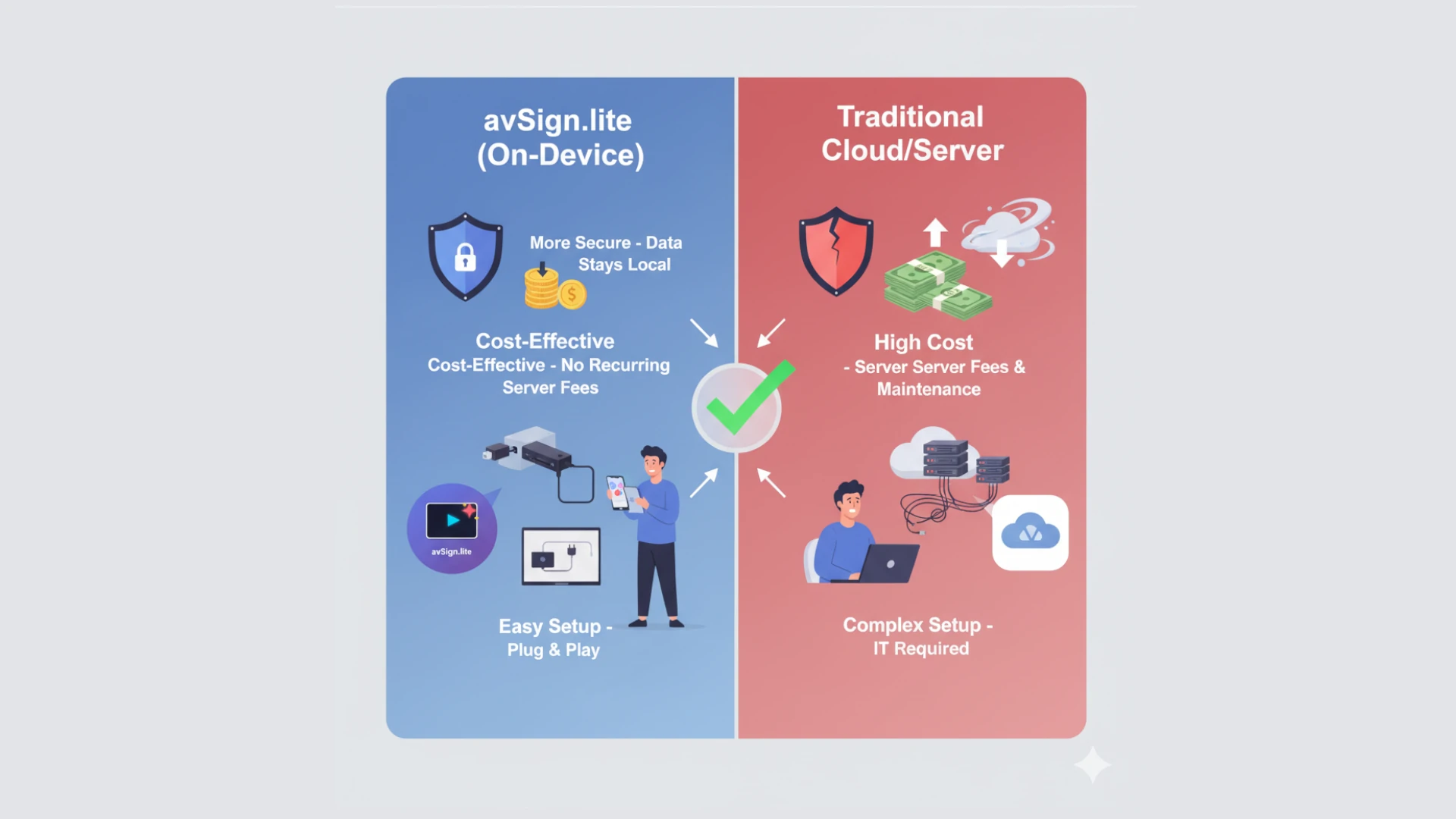
- Local-First: MCP server runs on your device, not the cloud
- TLS Support: HTTPS recommended for remote access
Compatibility
Works with:
- ✅ Claude (Anthropic) - Native MCP support
- ✅ ChatGPT (OpenAI) - Via MCP client
- ✅ Custom AI agents - Standard MCP protocol
- ✅ All platforms (Windows, Linux, Android, Fire TV)
Success Stories
“We went from spending 20 minutes every morning updating our menu boards to just telling Claude what we want. It’s like having a dedicated signage manager, but instant and always available.”
– Sarah M., Restaurant Owner
“Emergency alerts used to take 5+ minutes to deploy. With MCP, we can push critical information to all 50 displays in under 10 seconds. That’s life-saving speed.”
– James T., Corporate Security Manager
“Our retail team loves it. They can update promotions from their phones while on the sales floor instead of going to the back office. Sales have increased because we can react to inventory in real-time.”
– Lisa K., Retail Operations Director
The Future of Digital Signage Management
The AI Revolution is Here
MCP integration represents a fundamental shift in how we interact with technology. Instead of learning complex interfaces, we simply describe what we want in natural language – the way humans naturally communicate.
Industry Trends:
- Gartner predicts 40% of enterprise applications will have conversational AI interfaces by 2027
- Digital signage market growing to $35 billion by 2028, with AI integration as a key driver
- Early adopters report 10x faster content deployment cycles
- User satisfaction scores increase from 6.2/10 (traditional UI) to 9.1/10 (AI control)
What’s Next: Predictive Intelligence
This is just the beginning. As AI assistants become more capable, so will your digital signage:
- Proactive suggestions: “Your breakfast schedule ended. Want to switch to lunch?”
- Intelligent automation: “Traffic is bad today. Extending lunch hours message.”
- Multi-location intelligence: “Your Seattle sale is performing well. Deploy similar content to Portland?”
- Context awareness: “It’s raining. Switch to indoor seating promotions?”
- Performance optimization: “Tuesday 2pm gets low engagement. Try different content?”
Why avSign.lite Leads the Way
We’re not just adding AI as a gimmick—we’re fundamentally rethinking how digital signage should work:
- Open Standard: MCP is an open protocol, not vendor lock-in
- Privacy-First: Your content stays on your devices
- Cost-Effective: No AI subscription fees on top of signage costs
- Platform Agnostic: Works with Claude, ChatGPT, custom agents
- Future-Proof: As AI improves, your signage gets smarter
Getting Started
MCP integration is available now in avSign.lite v1.0.5+ at no additional cost.
Quick Start:
- Download avSign.lite - Get it here (free 14-day trial, $49.99 lifetime license)
- Enable MCP - Settings → MCP Server → Toggle ON
- Connect AI - Point Claude or ChatGPT to your MCP endpoint
- Start talking - “What’s playing right now?”
Documentation:
- MCP Quick Setup Guide - 2-minute setup
- Complete Tool Reference - All 9 tools explained
- Real-World Use Cases - Industry-specific examples
Pricing
MCP integration is included FREE in:
- ✅ Free 14-day trial
- ✅ $49.99 lifetime license (one-time payment)
- ✅ All platforms
No monthly subscriptions. No per-display fees. No hidden costs.
Join the AI-Powered Signage Revolution
The digital signage industry is changing. Those who adapt to AI-driven workflows will gain massive competitive advantages in efficiency, responsiveness, and operational costs.
Traditional platforms: Click, navigate, configure, test, repeat.
avSign.lite with MCP: “Do this.” Done.
The choice is clear.
Ready to experience AI-controlled digital signage?
Download avSign.lite | View MCP Documentation | Join Discord Community
Frequently Asked Questions
Q: Do I need a paid AI subscription? A: Claude and ChatGPT both offer free tiers that work with MCP. For heavy usage, their paid plans ($20/month) are recommended but not required.
Q: Will this work offline? A: The MCP server runs locally on your device and works on your local network. For AI agents to connect remotely, you need internet connectivity, but once commands are executed, displays operate offline as usual.
Q: Is my content data sent to AI companies? A: Only the command (“play video X”) is sent to the AI. Your actual content files stay on your device and are never uploaded to AI services.
Q: Can I use this with existing cloud-based signage? A: MCP is specific to avSign.lite’s on-device architecture. Cloud platforms typically don’t expose local APIs for AI control.
Q: What if I don’t want to use AI? A: MCP is completely optional. The traditional web UI continues to work exactly as before. Use whichever interface you prefer.
Q: How technical do I need to be? A: If you can use ChatGPT or Claude, you can use MCP-controlled signage. No coding or technical knowledge required.
Have more questions? Join our Discord community or check out the complete FAQ.
Developer? View the MCP API Reference for technical integration details.